For accountants and small accounting firms
Reconcile the bank for every client without the VLOOKUP marathon
At month-end, you upload each client's bank statement and bank ledger. The engine matches the obvious transactions and you only review the reconciling items. No subscription: you only pay for the reconciliations you run.
- 5 free reconciliations when you sign up
- No monthly fee per client
- Nobody has to change accounting software
- Days 1 to 10Every client wants their close at the same time.
- Row by rowStatement in one sheet, ledger in another, and VLOOKUP until it balances.
- By the endWhat matters are the items that don't match, and you reach them exhausted.
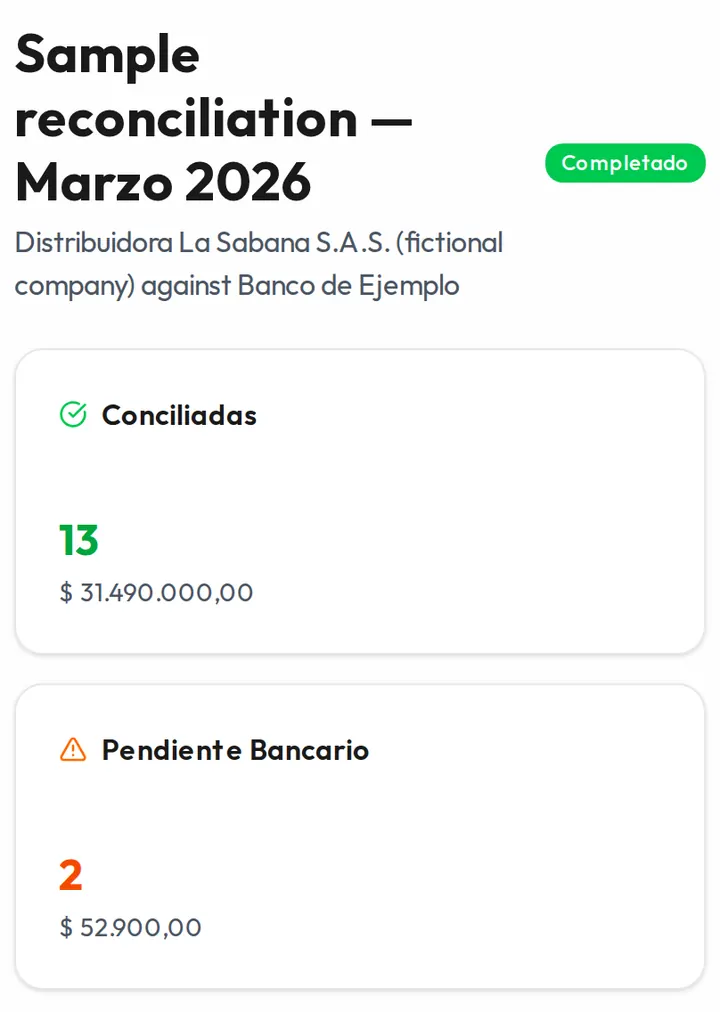
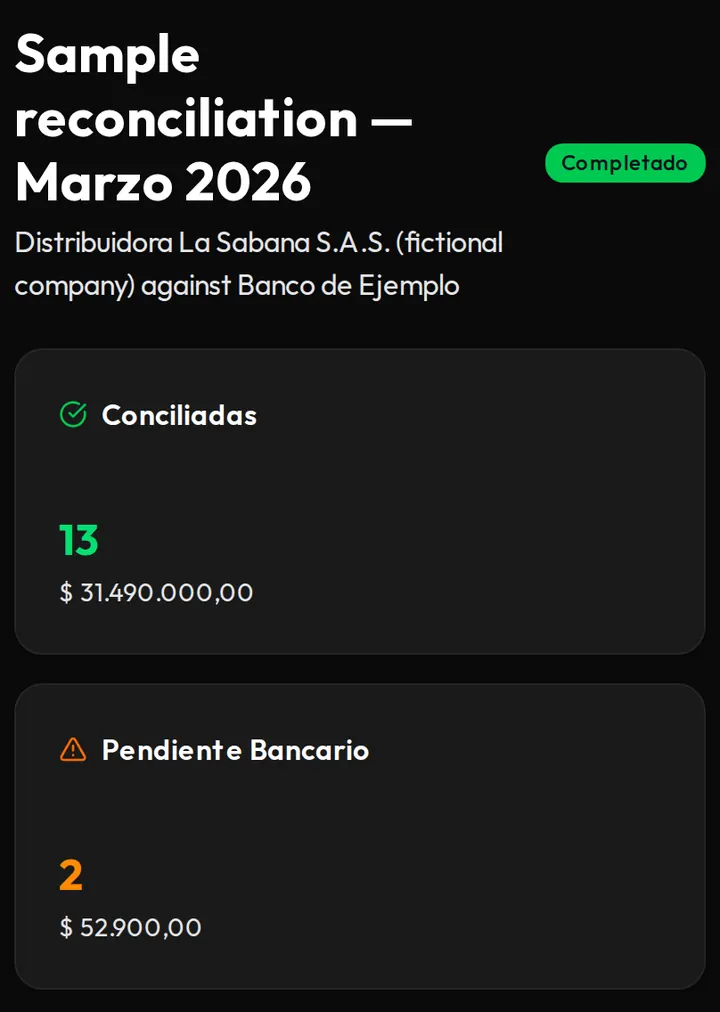
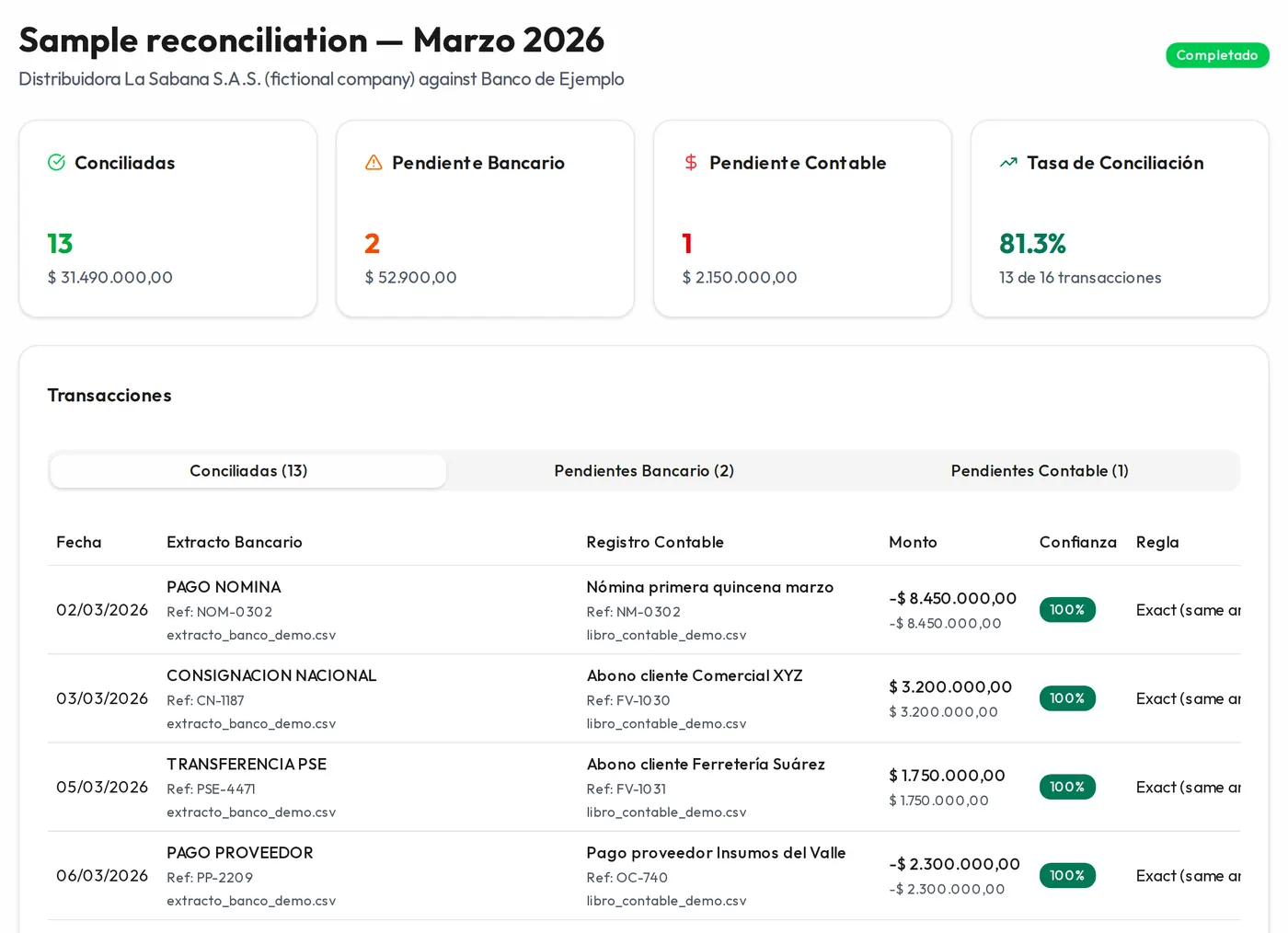
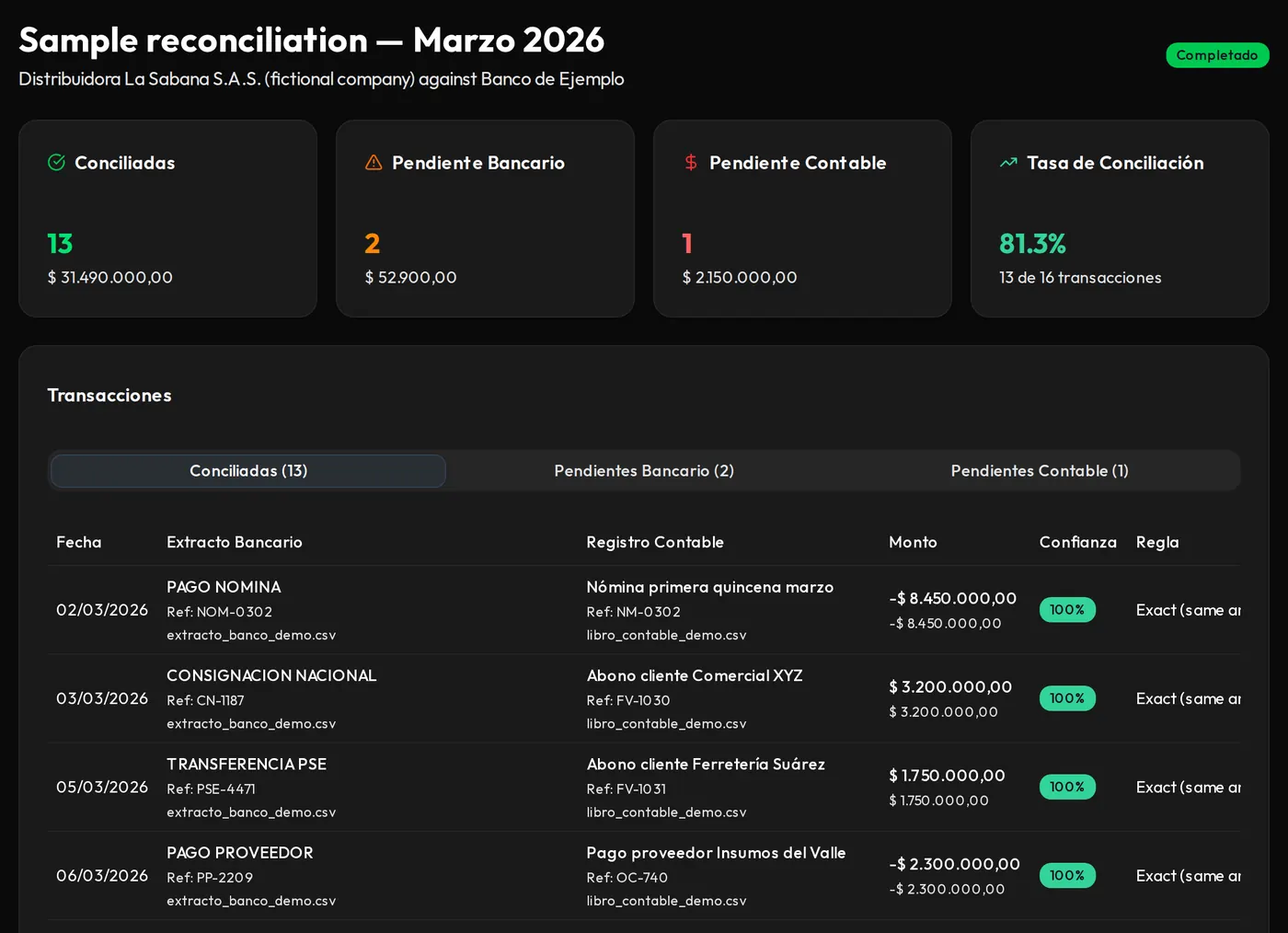
What a reconciliation looks like when the engine is done
Your month-end hours
Excel versus FinIA, with your numbers
Move the sliders. This is an illustrative estimate, not a measurement: it depends on how many transactions each client has and how much is left to review.
Estimated hours per month: 30 h reconciling in Excel and 7.5 h with FinIA Conciliación.
Estimate The starting values are our own assumptions, not data measured with clients. What you see is not a promise of savings.
Your clients, your close
One reconciliation per client, per month
You name each reconciliation after the client and the period, and see at a glance which ones are done and which still have items to review.
Your client keeps their software
You use the ledger you already export from Siigo, World Office or Helisa to Excel, and the statement you download from the bank.
The reconciling items you know, in one place
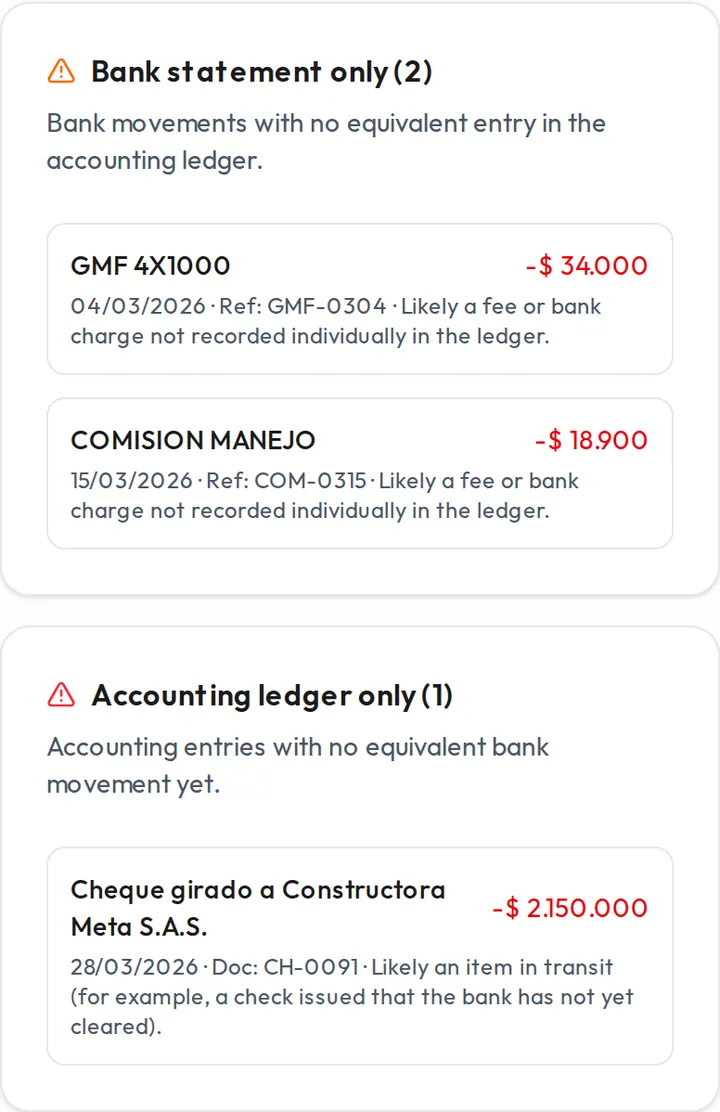
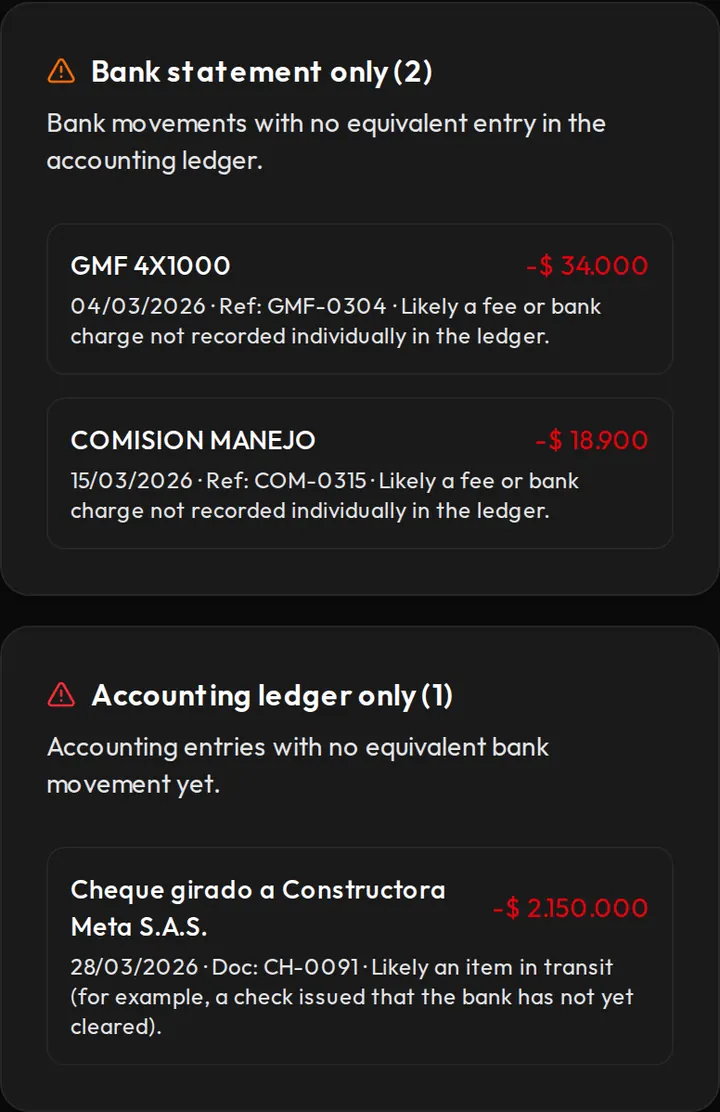
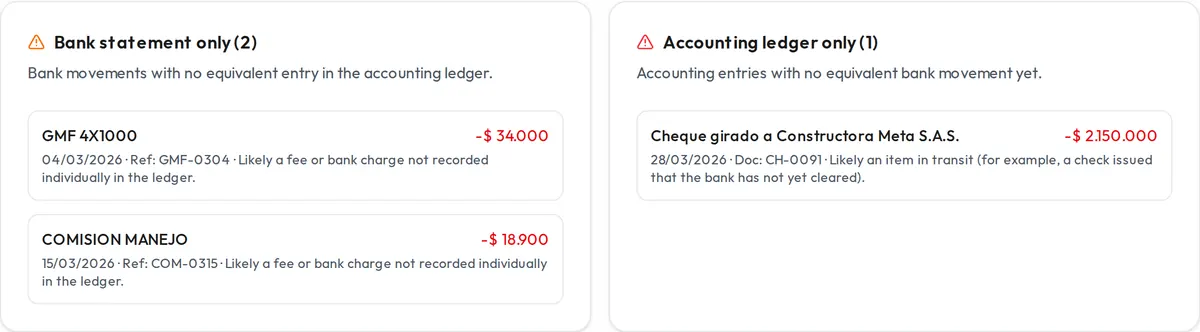
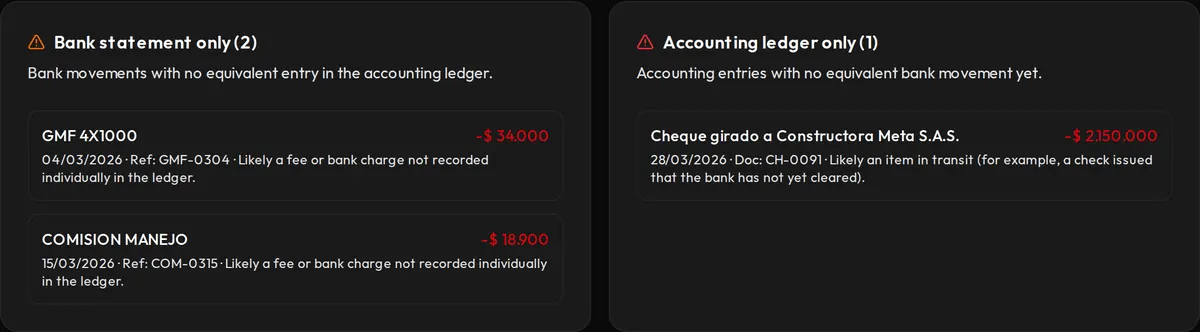
Whatever is left unmatched is split into "only on the statement" and "only in the books". That's where you'll find, among others:
- 4x1000 tax (GMF)
- Bank fees
- Debit notes
- Credit notes
- Outstanding checks
- Deposits in transit
Backup for the client's file
You export the result to Excel or CSV, with every match, its confidence and the rule that produced it.
Compatibility
Will my file load?
What's tested, what works as a generic format and what doesn't yet.
| File | Today | What you need |
|---|---|---|
| Bancolombia statement | Tested | Download it as XLS from online banking. |
| Statements from other banks | Generic format | The bank must let you download it as CSV, Excel or TXT. If it doesn't load, we tell you when you upload it. |
| Bank ledger (Siigo, World Office, Helisa…) | Generic format | Export it to Excel or TXT with date, description and amount; you tell us which column is which. |
| PDF statements | Not yet | For now you need the statement as CSV, Excel or TXT. |
Pricing
No subscription. You pay for the reconciliations you run.
You reconcile in bursts: at month-end, and all at once when a client asks for back months. That's why we sell one-time packs of reconciliations, not a monthly fee per client.
Monthly subscription
- You pay even in months you don't reconcile
- Often charged per client or account
FinIA packs
- You only pay when you run the match
- Uploading and exporting are free
- They never expire
Start free
You get 5 free reconciliations when you sign up. One reconciliation is matching one account's bank statement against its ledger for one period; uploading files and exporting the result cost nothing.
Reconciliation packs
- 10 reconciliationsCOP 59,000COP 5,900 each
- 30 reconciliationsCOP 149,000COP 4,967 each
- 100 reconciliationsCOP 399,000COP 3,990 each
One-time payment in Colombian pesos, no automatic renewal. They never expire and work for all your clients.
Accountants' questions
What people ask us before uploading a statement
Is it safe to upload my clients' statements?
Files are tied to your account, traffic is encrypted and nothing is shared with other users of the platform. You can review our subprocessors and privacy policy.
What happens to my statements after I upload them?
We read the transactions and delete the original file when processing ends. The transactions stay in your account until you delete them from «Files». The details are on the security and data page.
My client banks with Davivienda and the bank only gives me a PDF.
That isn't possible today: you need the statement as CSV, Excel or TXT. The tested format is Bancolombia's XLS; other banks' files go in as a generic format and, if a file doesn't load, we tell you when you upload it.
Does it replace Siigo or World Office?
No. It uses what you export from your accounting software and doesn't connect to it. You record the adjustments in your software yourself.
Who decides on doubtful matches?
You do. The engine proposes matches with a confidence percentage and the rule applied; anything below the confidence threshold is left as an exception. You can approve, reject or match by hand.
Can I invite my accounting assistant?
Not yet. Each account belongs to one user.
Do reconciliations expire?
No. The reconciliations you get when you sign up and the ones you buy stay in your account until you use them, for any of your clients.
Try it with one client from this month-end
If you'd rather look first, the demo runs with a fictional company and doesn't ask you to sign up.